Tips for Creating a Cozy and Productive Home Office Space
Creating a home office that feels cozy yet boosts productivity can transform your work-from-home experience. Whether you’re new to remote work or looking to refresh your current setup, designing a space that supports focus while being inviting is key. Below are helpful tips to craft a home office that strikes the perfect balance between comfort and efficiency.
Choose the Right Location
Maximize Natural Light
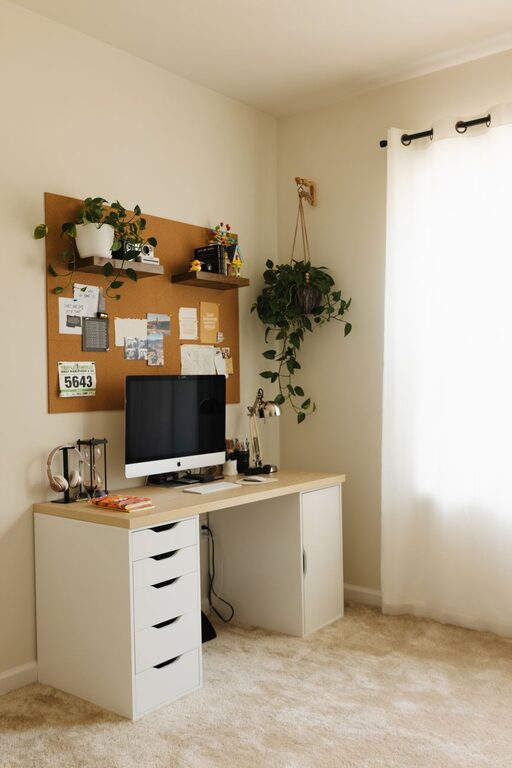
Selecting a spot with plenty of natural light can improve your mood and reduce eye strain. Try to position your desk near a window to enjoy daylight without glare on your screen.
Minimize Distractions
Pick a quiet corner or room where interruptions are minimal. If that’s not an option, noise-cancelling headphones can help you maintain concentration.
Invest in Comfortable and Functional Furniture
Ergonomic Chair and Desk
Your chair should support good posture, with adjustable height and lumbar support if possible. Choose a desk that fits your equipment comfortably and allows you to sit or stand if you prefer a sit-stand option.
Consider Storage Solutions
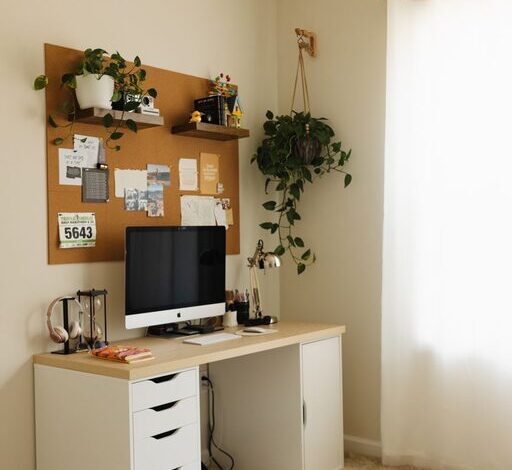
Clutter can hinder productivity. Shelves, filing cabinets, or desk organizers keep your essentials tidy and within reach, making it easier to focus on your tasks.
Personalize Your Space for Comfort and Inspiration
Add Cozy Elements
Incorporate soft textiles like a throw blanket or a cushion on your chair. A small rug can also add warmth and define your workspace.
Use Plants and Artwork
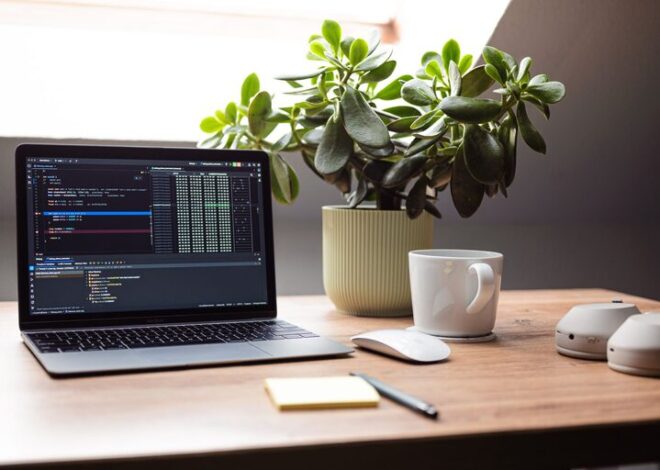
Indoor plants improve air quality and add a calming touch, while artwork or inspiring quotes can personalize your space and keep you motivated.
Optimize Lighting for Work and Comfort
Combine Ambient and Task Lighting
Overhead lighting ensures general brightness, but task lamps focused on your work area reduce eye strain during detailed tasks. Adjustable lamps help you control light direction.
Avoid Harsh Glare
Position your screens and lights to prevent reflections, which can cause discomfort and reduce visibility.
Keep Technology Organized and Up to Date
Manage Cables and Devices
Use cable organizers or clips to keep cords neat and prevent tangling. A wireless keyboard and mouse can reduce clutter on your desk.
Regularly Update Software and Hardware
Efficient, reliable technology helps maintain productivity and avoid frustrating downtime during work.
Set Boundaries and Organize Your Schedule
Define Work Hours
Establish a clear start and end time for your workday to separate professional and personal life, even when working from home.
Use Calendars and To-Do Lists
Keeping track of tasks and appointments with digital or physical planners helps you stay on top of responsibilities and deadlines.
Maintain Cleanliness and Refresh Regularly
Daily Tidy Up
Spend a few minutes at the end of each day clearing your desk. A clean environment reduces distractions and keeps your mind clear.
Change Layout or Decor Occasionally
Switching up your space occasionally can refresh your motivation and creativity without a complete overhaul.
Final Thoughts
Creating a home office that is both cozy and productive involves blending functionality with personal comfort. By carefully selecting your location, investing in ergonomic furniture, optimizing lighting, and keeping your space organized, you can build an environment that supports your work goals while making you feel at home. Remember, your workspace should inspire you to focus and feel calm—make it yours!