Tips for Creating a Cozy and Productive Home Office Space
Creating a cozy and productive home office space can greatly improve your work-from-home experience. A well-designed workspace not only boosts efficiency but also supports your well-being throughout the day. Whether you have a dedicated room or a small corner, these tips will help you transform your area into a functional and inviting place to work.
1. Choose the Right Location
Selecting the best spot for your home office is the first step. Ideally, pick a quiet area with minimal distractions and good natural light.
– Low traffic area: Avoid places near noisy rooms or entryways.
– Natural light: Position your desk near a window to benefit from daylight. Natural light can improve mood and focus.
– Convenience: Consider proximity to power outlets and internet connection for your devices.
2. Invest in Comfortable and Functional Furniture
Your furniture can make a big difference in comfort and productivity.
– Ergonomic chair: Choose a chair that supports your posture. Adjustable height and lumbar support are key.
– Desk size: Pick a desk that fits your work needs. It should have enough surface area for your computer, documents, and other tools.
– Standing desk option: Consider a sit-stand desk to change position throughout the day, which can help reduce fatigue.
3. Organize for Efficiency
A cluttered workspace can lead to distraction and stress. Organize your office in a way that makes everything easily accessible.
– Storage solutions: Use shelves, filing cabinets, or drawers to keep supplies organized.
– Cable management: Use clips or cable sleeves to keep cords tidy.
– Desk organizers: Containers or trays can help separate pens, papers, and gadgets for easy reach.
4. Add Personal and Cozy Touches
Your office should feel welcoming to encourage you to spend time there.
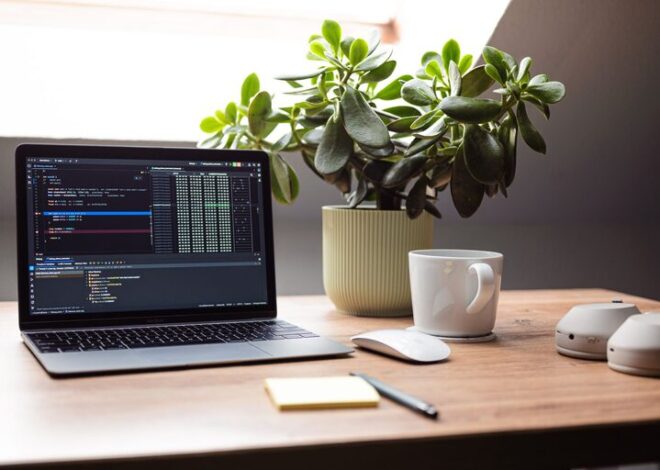
– Plants: Adding greenery can improve air quality and add a calming effect.
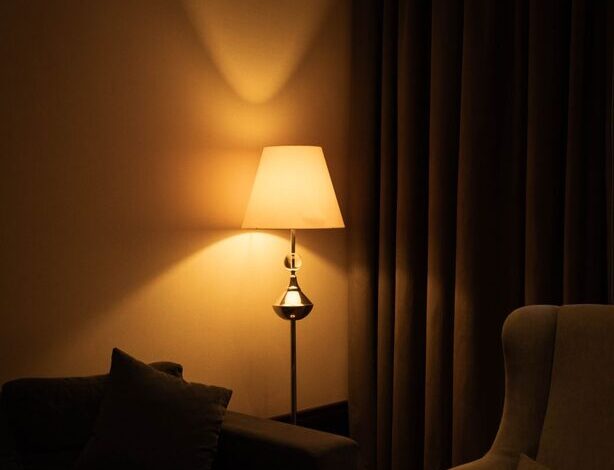
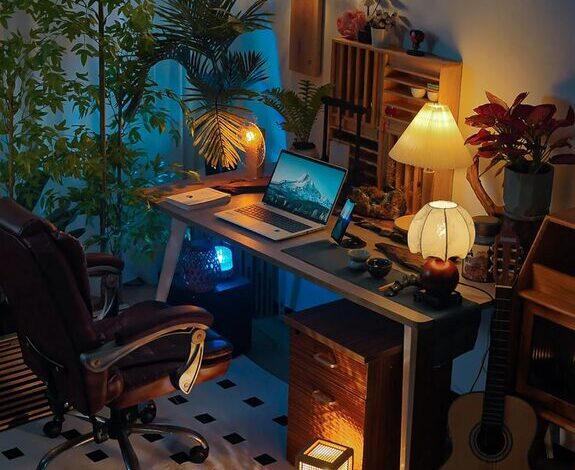
– Soft lighting: Use desk lamps or floor lamps with warm bulbs to create a cozy atmosphere, especially for late work hours.
– Textiles: A small rug or a cushion can make your area feel more comfortable.
– Art and photos: Decorate with prints or pictures that inspire you without cluttering your space.
5. Optimize Lighting
Besides natural light, proper artificial lighting is essential.
– Avoid glare: Position screens to reduce glare from windows and lights.
– Task lighting: Use focused light sources to illuminate work areas.
– Adjustable lighting: Lamps with dimmers let you customize brightness based on time of day.
6. Minimize Distractions
To stay productive, create an environment that limits interruptions.
– Noise control: Use noise-canceling headphones or white noise machines if ambient sound is a problem.
– Separate work and leisure: Avoid working in areas associated with relaxation, such as your bed or couch.
– Clear boundaries: If you live with others, communicate your work hours and space needs.
7. Personalize Your Workspace for Motivation
Customize your office to keep you motivated throughout the day.
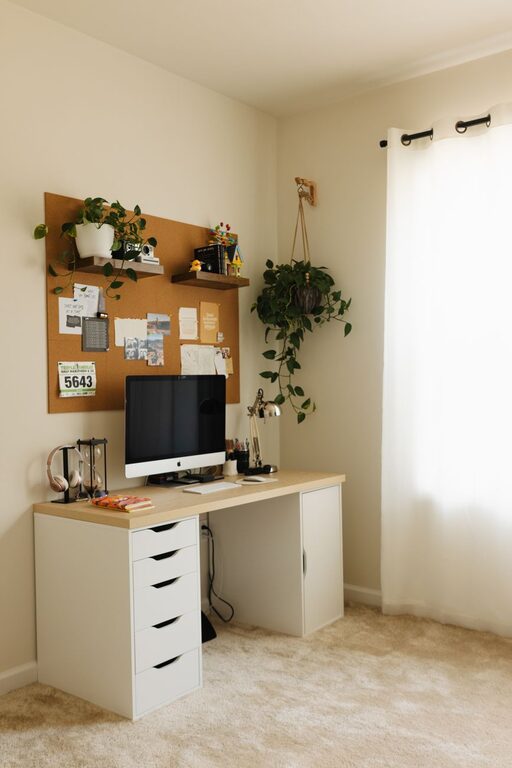
– Vision board: Pin goals, quotes, or inspiring images on a board within view.
– Color choice: Use colors that boost your mood—soft blues and greens tend to promote calmness, while yellows can increase energy.
– Routine accessories: Add items that support your workflow, like a calendar or sticky notes.
8. Maintain Cleanliness and Order
Regular cleaning and tidying help sustain a productive environment.
– Daily tidy-up: Spend a few minutes sorting papers and putting items away at the end of each day.
– Weekly cleaning: Dust surfaces and clean your keyboard and mouse regularly.
– Digital organization: Keep your computer’s desktop and files organized to avoid digital clutter.
9. Incorporate Technology Thoughtfully
Make sure technology supports your workflow.
– Reliable internet: Ensure your internet connection is strong enough for video calls and online work.
– Good equipment: Invest in a quality monitor, keyboard, and mouse for comfort.
– Backup tools: Have chargers, external drives, or apps ready to prevent workflow interruptions.
10. Take Breaks and Move
Your workspace design encourages productivity, but remember to take breaks and move throughout the day.
– Set reminders: Use timers or apps to remind you to stand, stretch, or take a short walk.
– Create a break corner: If space allows, have a small area to relax during breaks.
—
Designing a cozy and productive home office is about balancing comfort, functionality, and personal style. By following these tips, you can build a space that supports your best work while making your day more enjoyable. Whether you’re working full-time from home or just need a spot for occasional tasks, a thoughtfully arranged workspace makes all the difference.