Tips for Creating a Cozy and Inviting Home Office Space
Creating a home office that feels cozy and inviting can make a big difference in your productivity and overall well-being. Whether you work from home full-time or just need a quiet spot for occasional tasks, a thoughtfully designed workspace boosts focus and comfort. Here are helpful tips to transform your home office into a space you’ll love spending time in.
Choose a Comfortable Location
Start by selecting a spot in your home that offers natural light and minimal distractions. Near a window is ideal, as natural light helps reduce eye strain and improves mood. If you don’t have a dedicated room, consider a quiet corner or an area near greenery like a houseplant or garden view.
Invest in Ergonomic Furniture
Comfort is key in a home office, especially if you spend hours at your desk. Choose a chair with good lumbar support and adjustable height to maintain proper posture. Pair it with a desk that provides enough space for your computer, paperwork, and any other essentials. Standing desks or adjustable desk converters are also popular for promoting movement throughout the day.
Use Warm and Soothing Colors
Color impacts mood and focus. Soft neutrals, warm pastels, and earth tones create a calming atmosphere. Avoid overly bright or harsh colors that can feel stressful. You can add personality with colorful accents like cushions, artwork, or desk accessories without overwhelming the space.
Add Layered Lighting
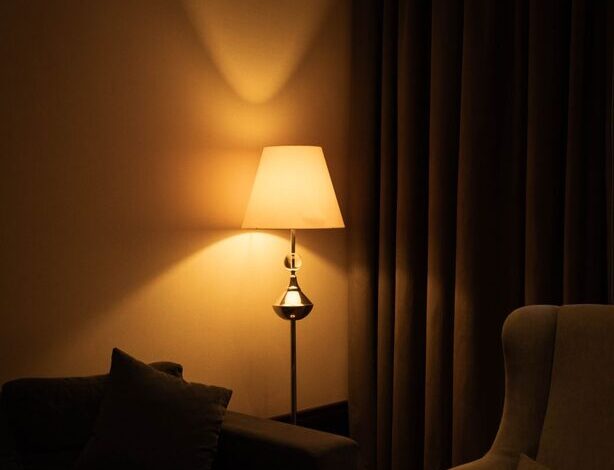
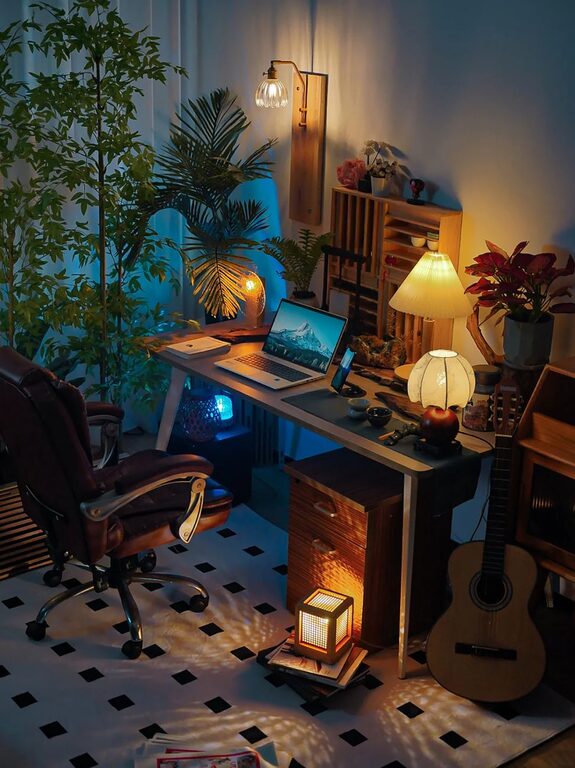
Good lighting includes a mix of natural, ambient, and task lighting. Use a desk lamp with adjustable brightness for focused work, and include soft ambient lighting like a floor lamp or string lights to add a warm glow. Dimmable options allow you to adjust the light according to the time of day and your needs.
Bring in Comfortable Textures
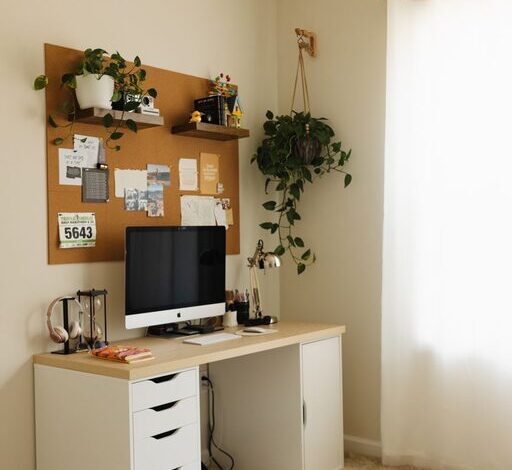
Incorporate soft textures to add coziness. A plush rug underfoot, a knitted throw on your chair, or fabric-covered bulletin boards make the space feel inviting. These tactile elements help balance the tech-driven nature of office work with comfort.
Personalize Your Workspace
Make your office feel like your own by adding personal touches. Display photos, motivational quotes, or your favorite artwork. Use unique stationery and fun desk organizers that reflect your personality. Just be careful not to overcrowd the space, as clutter can reduce focus.
Keep It Organized and Clutter-Free
A tidy workspace helps promote clear thinking. Use shelves, file holders, and drawer organizers to keep papers and supplies in order. Regularly declutter your desk and digital files to maintain a fresh and inspiring environment.
Include Greenery for a Natural Touch
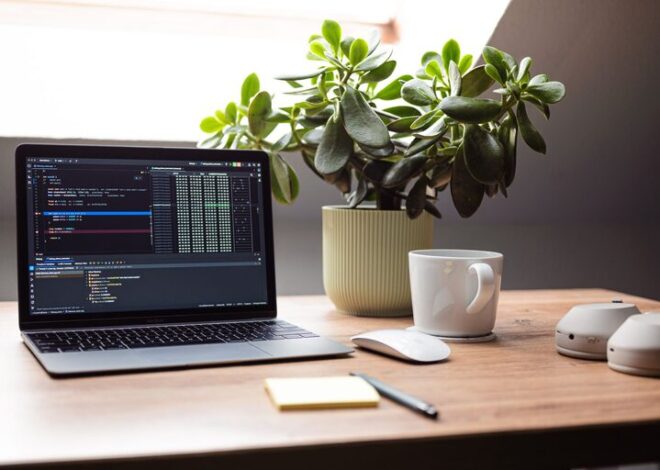
Adding plants to your home office brings life and freshness. Plants improve air quality and add a soothing visual element that reduces stress. Choose low-maintenance plants like succulents, snake plants, or pothos if you don’t have a green thumb.
Optimize Technology Setup
Organize cables and devices to avoid a chaotic look. Use cable management solutions such as clips or sleeves to keep cords tidy. Make sure your monitor is at eye level to reduce neck strain and that your keyboard and mouse are positioned comfortably.
Create Zones for Different Activities
If space allows, designate areas for different tasks. For example, a primary desk for computer work, a small reading nook with a comfortable chair, or a table for brainstorming and writing. This separation can help your brain switch modes and stay productive.
Incorporate Soothing Scents and Sounds
Enhance your workspace atmosphere with gentle scents like lavender or citrus using a diffuser or candle. If you find background noise distracting, consider soft instrumental music or white noise to help concentration.
—
By combining functionality with comfort and personal style, your home office can become a cozy, inviting space where work feels less like a chore. Small thoughtful touches make a big difference in creating a productive and pleasant environment that supports your daily tasks and well-being. Start with a few of these tips and adjust the setup as you go to find what works best for you.