
Tips for Creating a Productive Home Office Space
Creating a productive home office space is essential for anyone working remotely or managing tasks from home. A well-designed workspace can improve focus, enhance comfort, and boost overall efficiency. Whether you have a dedicated room or a small corner, these tips will help you set up an environment that supports your work and well-being.
Choose the Right Location
Selecting the best spot for your home office is the first step.
– Quiet and Private: Pick a place with minimal noise and distractions to maintain focus.
– Natural Light: Position your desk near a window if possible. Natural light helps reduce eye strain and can improve mood.
– Space to Move: Ensure there’s enough room for your work essentials and to move around comfortably.
Invest in Ergonomic Furniture
Comfort plays a key role in staying productive throughout the day.
– Ergonomic Chair: Use a chair that supports your back and encourages good posture.
– Adjustable Desk: Consider a desk with adjustable height or a sit-stand option to alternate between sitting and standing.
– Proper Monitor Position: Place your monitor at eye level to avoid neck strain.
Organize Your Workspace Effectively
A clutter-free desk helps minimize distractions.
– Declutter Regularly: Remove unnecessary items from your desk daily.
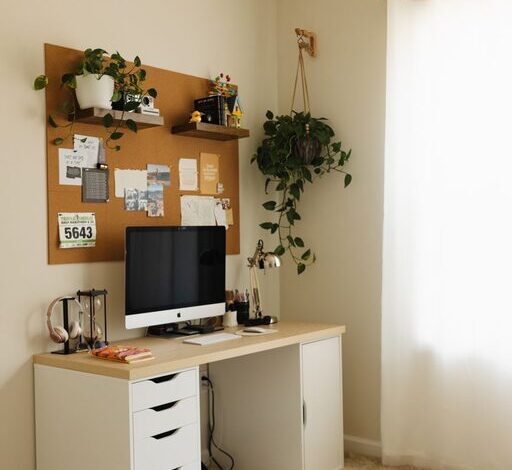
– Storage Solutions: Use shelves, drawers, or organizers to keep supplies tidy and accessible.
– Cable Management: Invest in cable organizers to prevent cords from tangling.
Manage Lighting and Reduce Glare
Lighting affects both comfort and productivity.
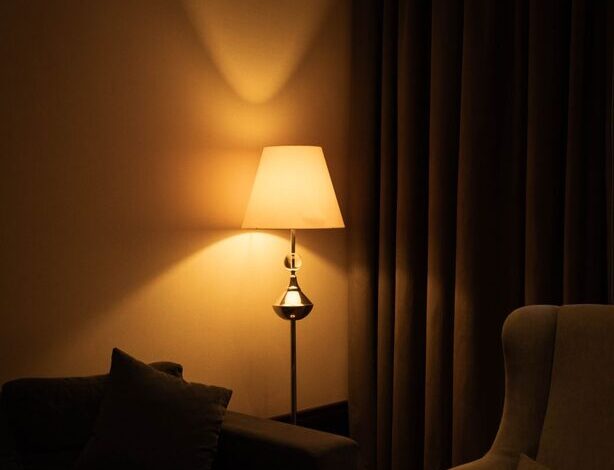
– Combine Lighting Sources: Use a mix of overhead lights, desk lamps, and natural light.
– Adjust Screen Brightness: Ensure your computer screen brightness matches room lighting to reduce eye fatigue.
– Anti-Glare Accessories: Consider screen filters or reposition your monitor to avoid glare.
Personalize Your Space
Adding personal touches can make your workspace more inviting.
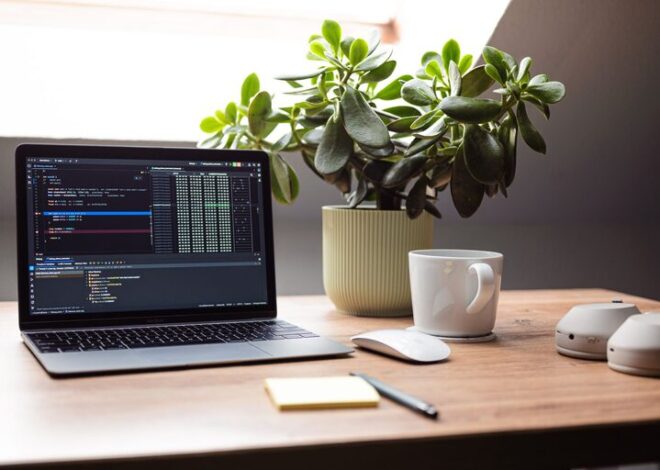
– Inspiring Decor: Use artwork, plants, or photos that motivate you.
– Comfort Items: A small cushion or blanket can increase comfort during long work hours.
– Scent and Sound: Pleasant scents or soft background music can help create a calming atmosphere.
Set Clear Boundaries
Maintaining a boundary between work and personal life is important.
– Defined Work Hours: Stick to a schedule to avoid overworking.
– Separate Work and Living Spaces: Whenever possible, keep work materials confined to your office area.
– Communicate with Others: Let family or roommates know your work times to minimize interruptions.
Use Technology Wisely
Technology can enhance productivity if used effectively.
– Reliable Internet: Ensure your connection is strong and stable.
– Useful Apps: Use task managers, calendar apps, or focus timers to keep organized.
– Backup Solutions: Regularly save and back up your work to prevent data loss.
Incorporate Movement Breaks
Taking regular breaks can boost energy and focus.
– Stretch Often: Stand up and stretch every hour to reduce stiffness.
– Short Walks: A brief walk around your home or outside can refresh your mind.
– Eye Exercises: Use the 20-20-20 rule: every 20 minutes, look at something 20 feet away for 20 seconds.
Keep Your Workspace Clean
A clean environment supports clear thinking.
– Daily Cleaning Routine: Wipe surfaces and organize papers at the end of each day.
– Air Quality: Open windows or use air purifiers to keep the air fresh.
– Sanitize Regularly: Clean keyboards, mouse, and other frequently touched items.
Conclusion
Designing a productive home office space involves more than just placing a desk in a room. Thoughtful choices about location, furniture, lighting, organization, and personal comfort can make a significant difference in your work habits and overall satisfaction. By applying these tips, you can create a home office that not only supports your productivity but also makes working from home a more enjoyable experience.